Access your email anywhere with RoundCube Webmail
Need access to your emails anytime, 24/7?
Our Webmail is designed for you! Fast and convenient, it allows you to receive, send, and manage your emails from any computer, smartphone, or tablet.
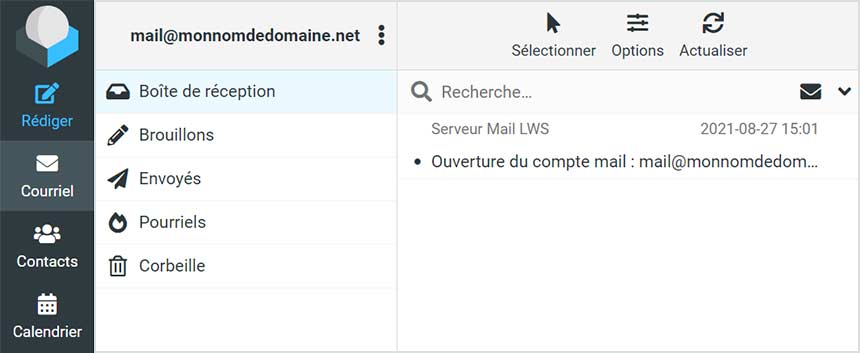
RoundCube Webmail Interface
Once logged in, you’ll land directly in your inbox. On the left, you’ll find your main folders: inbox, sent, spam, trash, etc. On the right, your selected folder's messages are displayed. Unread emails appear in bold.
Sort and filter your emails
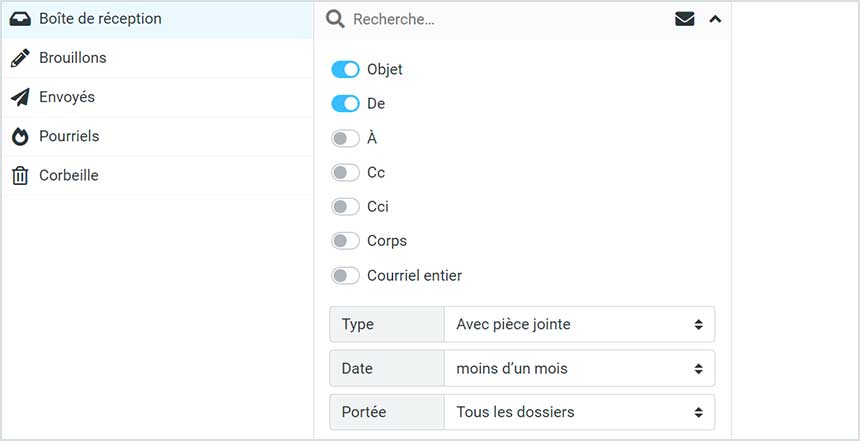
Click the Options button above your email list to access sorting options. Sort your messages by date, subject, sender, recipient, Cc, size, and more.
Easy email management
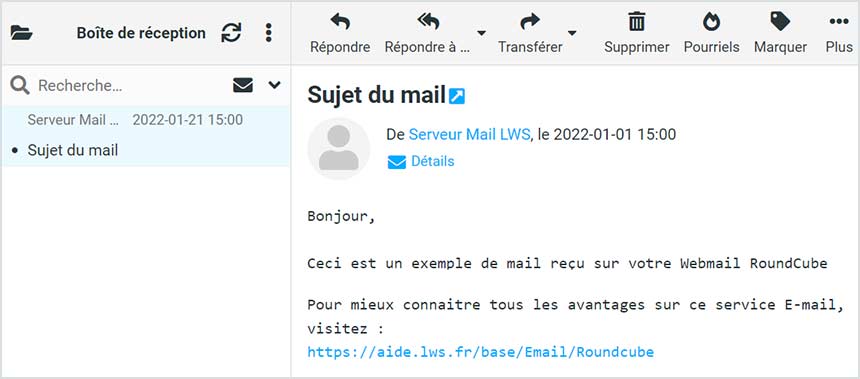
RoundCube offers all the essential Webmail features: reply, reply all, forward, delete, mark as spam, mark as read/unread, add follow-up flags, request read receipts, attach files, and more – everything you need to manage your inbox with ease.
Compose a new message
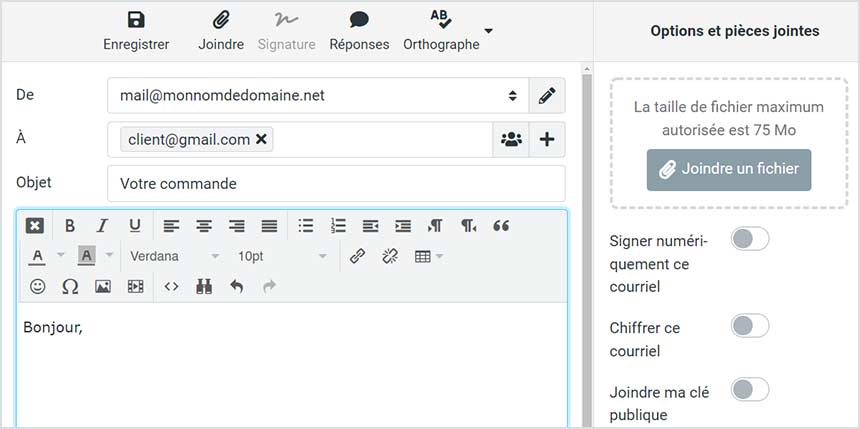
Click Compose to write a new email. Access all the tools you need: add recipients from your address book, attach files, customize writing settings, add signatures, enable encryption, set read receipts, and adjust message priority.
... And more
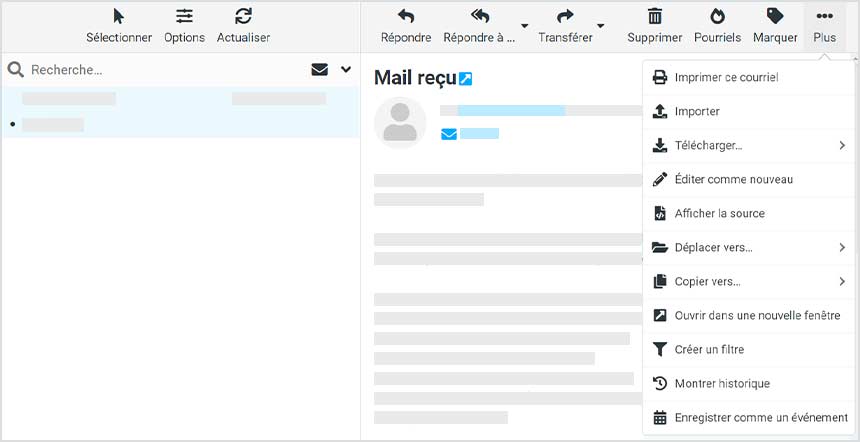
Click the three dots on the right for additional options: print, import, download, edit as new, view source, move or copy to folders, open in a new window, create filters, view message history, or save as a new event.
Settings - Preferences
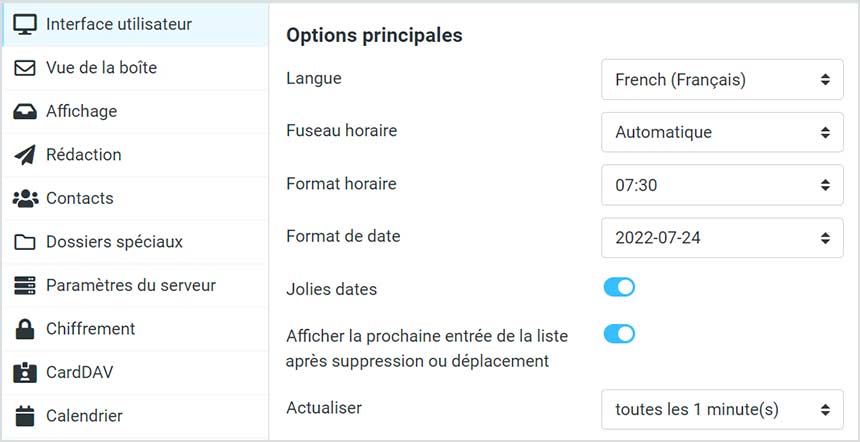
Click the gear icon to access Webmail settings. Here, you can customize preferences such as language, time zone, date format, interface style, number of emails per page, writing format, HTML mail options, read receipts, address book listings, encryption, CardDAV settings, calendar options, special folders, and server configurations.
Settings - Identities / Signature
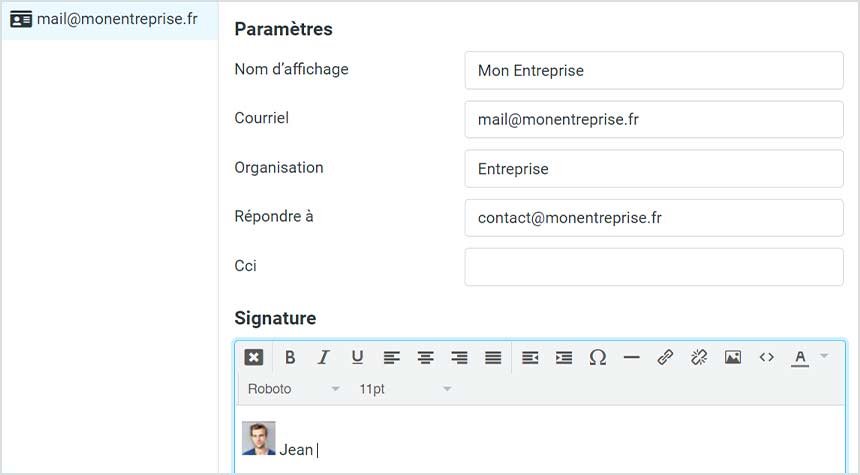
Easily add a signature that will automatically appear in all your sent emails via the Identities tab. Select the email address and customize your signature with text and images.
Display Name is the name that appears next to your email.
In Organization, enter the name of your company, association, or business.
Fill in the Reply-To field if you want replies to go to a different email address than the one used to send the email.
Add a hidden copy (BCC) recipient who will receive all emails by filling in the Bcc field.
Use the address book
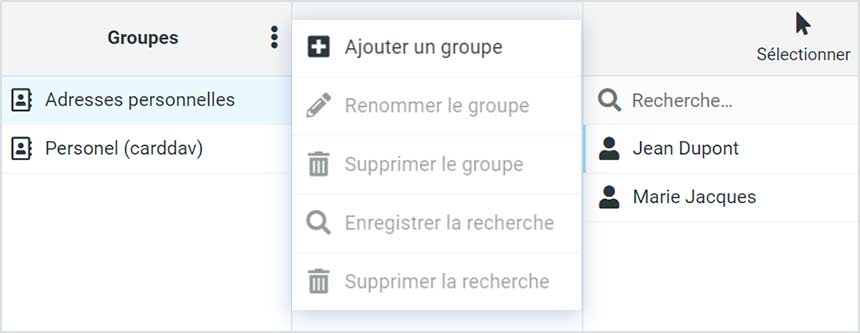
Need to organize your contacts? Click on Contacts to create address books and contact groups. Group contacts by project or subject for easy management.
Import / Export contacts
Import your existing contacts into RoundCube using the contact import tool. You can also export your contacts instantly as a .vcf file.
Built-in calendar
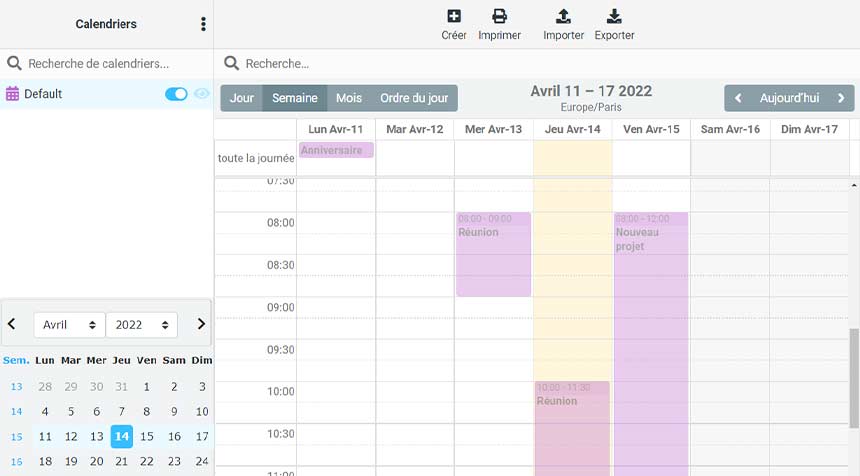
RoundCube includes a powerful calendar. Create single or recurring events, add participants and assign roles (organizer, attendee…), attach related files, set start and end dates, reminders, categories, priorities, and choose between private or public visibility.
Import events by uploading an iCalendar (.ics) file, or export your entire RoundCube calendar in one click.